
Follow
① 橋本環奈をひらく
https://ragnarokonline.gungho.jp/gameguide/system/expand-item/biosphere.html
② F12キーを押下して開発者ツールを開く
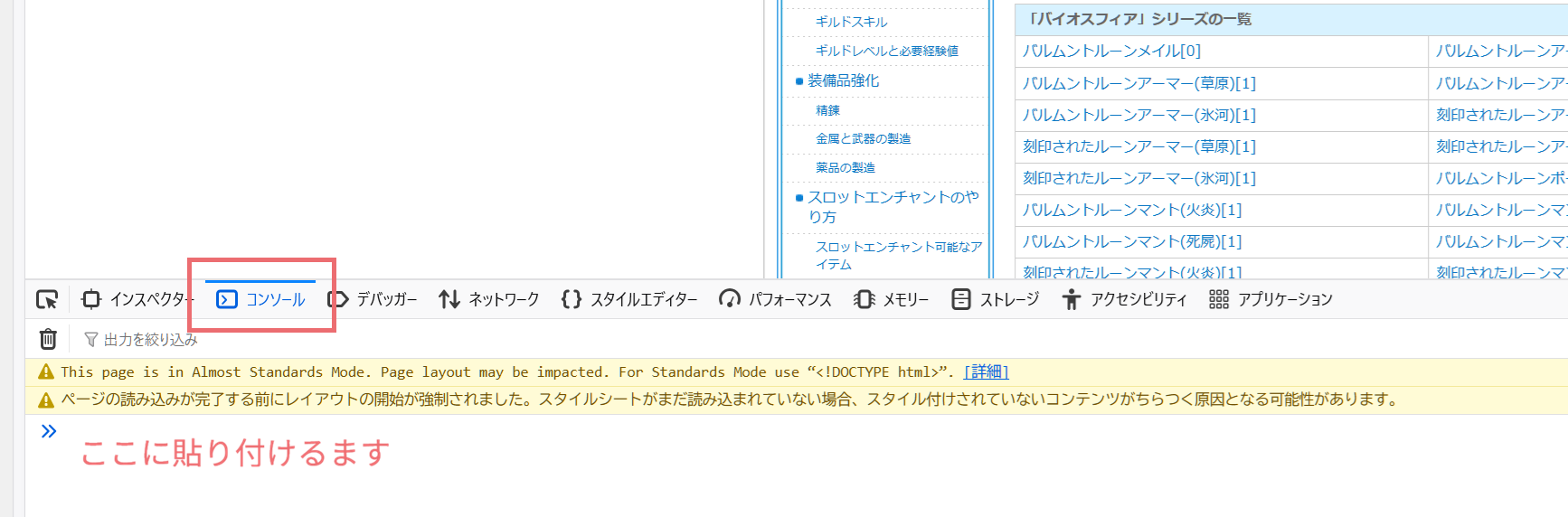
③ コンソールタブを開く
④ 入力欄に以下を貼り付けてEnterキーを押下
document.querySelectorAll('.accordion-content').forEach(content => {
content.removeAttribute('hidden');
});
document.querySelectorAll('.accordion-trigger').forEach(button => {
button.setAttribute('aria-expanded', 'true');
});
⑤ ④を貼り付けられないときは、以下を手入力してEnterキーを押下し、④を再度実施
allow pasting

アコーディオンを開いたあと、F12キーを押下して開発者ツールを閉じて大丈夫です☝️